Product tour
Inside the Content Architect: the three-pane AI editor built for real publishing
A chat box is fine for a quick draft. It is a poor place to write something you will actually publish under your name. The Content Architect is built for the second thing.
Open most AI writing tools and you get a prompt and a wall of returned text. You copy it out, paste it into your site, and spend the next hour fixing what the chat box could not see. The Content Architect takes a different shape, because publishing is a different job from generating. It is a three-pane editor: your outline and structure on one side, a real writing canvas in the middle, an AI assistant on the other. You are not prompting and pasting. You are writing in a proper document, with help where you want it and control everywhere.
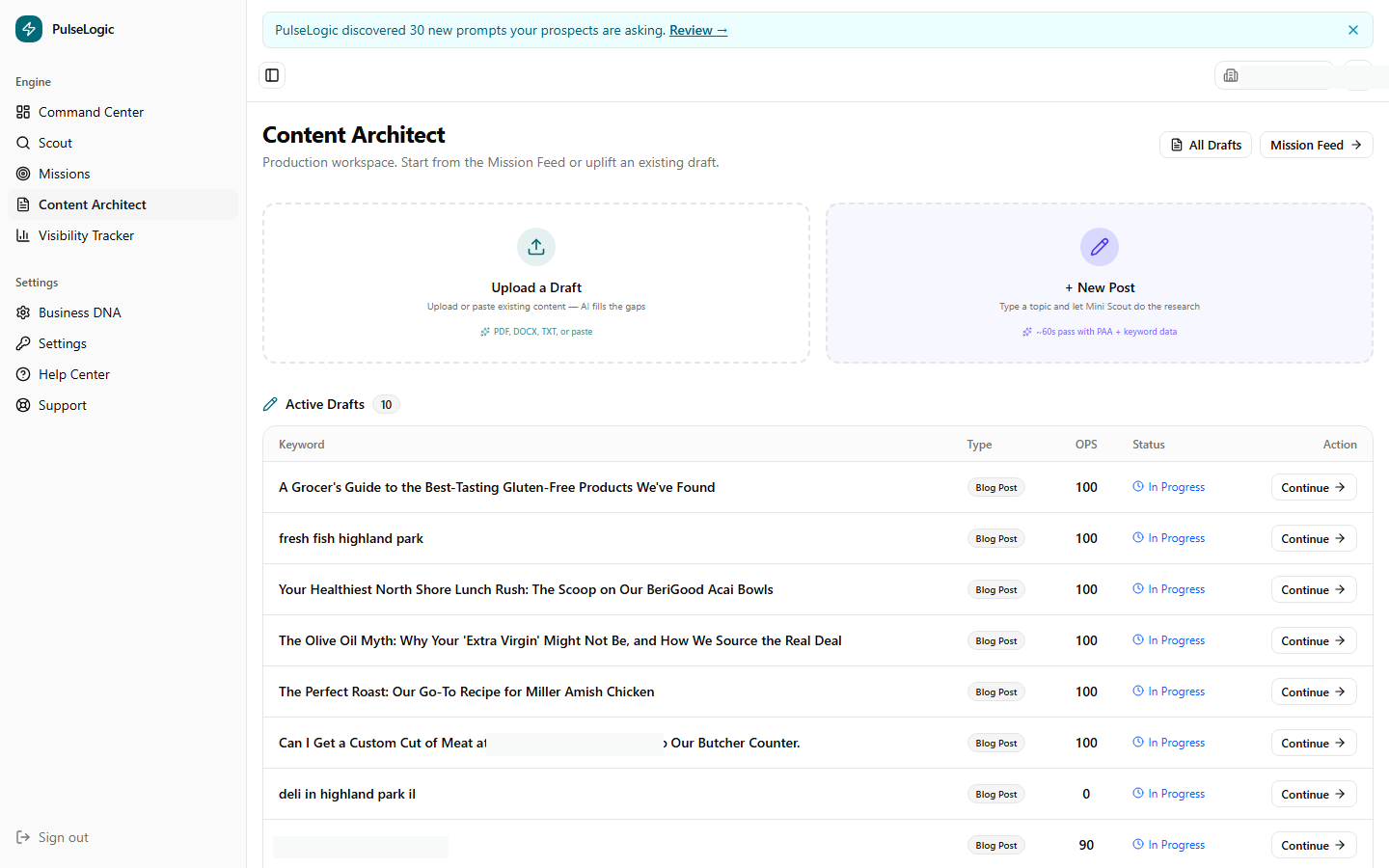
The canvas is a real editor
The middle pane is a full rich-text editor, set in a comfortable reading face at a generous size. You write better in something that looks like the finished page than in a cramped text field. Beyond paragraphs and headings, you can drop in real building blocks: images, buttons, two-column splits, grids, a table of contents, even a calculator block. A blog post in the Architect can be a landing-page-grade document, not just a stack of paragraphs. You build the page you mean to publish, in the place where you write it.
You choose the quality and the length up front
Not every piece needs the same effort. The Architect makes that an explicit choice rather than a guess: you pick a quality tier and a length tier before you draft.
| Quality tier | Use it for |
|---|---|
| Outline | A fast skeleton to react to and build on |
| Draft | A working first pass to edit |
| Polished | A piece close to publish-ready, the everyday default |
| Hero | Your most important pages, with the most care applied |
| Length tier | Roughly |
|---|---|
| Short | A focused, quick read |
| Medium | A standard blog post, the common default |
| Long | A deep, comprehensive guide |
The everyday default is a polished, medium-length post, which is what most businesses publish most of the time. The point is that you decide the investment deliberately. A quick announcement and a cornerstone guide should not get the same treatment. Now they do not have to.
Help where you want it, control where you need it
The AI assistance is woven into the editor, not bolted on as a separate window. A slash command brings up a menu to insert blocks and elements without leaving the keyboard. An inline command lets you ask for a change to the exact text you have selected. A floating assistant handles the larger asks. The principle is simple: the AI works on your document at the spot you are working, not in a detached chat you have to copy from. You stay in the writing, and the help comes to you.
The difference between generating text and writing a page is control. The Architect gives you the help of AI without taking away the control of an editor.
Quality enforcement reads over your shoulder
As you write, the Architect flags the things that mark text as careless or machine-made, in the spirit of a grammar checker. Hollow words get marked. So do filler patterns and throat-clearing. An overlong opening sentence gets a gentle nudge, and internal linking opportunities surface as you go. While you write, none of it interrupts you, and all of it is visible, so you can fix the tells as you go. The serious ones, like a banned term or an altered quote, have to be cleared before the piece can publish. This is the same discipline a good editor would apply, running quietly while you work.
It ends ready to publish
Because the Architect is built for publishing, not just generating, a finished piece arrives with the technical layer already handled. The page gets validated structured data, the kind that helps search and AI engines read and quote it. From there you push the draft straight to WordPress, or copy clean HTML to paste anywhere. The work that usually happens after the writing, the formatting, the schema, the publishing, happens inside the same tool. No second tool, no second hour.
Book a walkthrough and we will draft a real piece for your business in the Content Architect, start to publish-ready.
See the ArchitectCapabilities reflect PulseLogic as of June 2026.