Product tour
Outline first, slash commands, and rewrite a section: how writing in PulseLogic actually flows
One-shot AI writing gives you a finished wall of text you then have to dismantle. Building a post the way good writers do, structure first, prose second, fixes third, is faster and better. Here is the flow.
There is a quiet lie in most AI writing demos. You type a prompt, a complete article appears, and it looks like magic. Then you try to use it for real and hit the problem: the article is a single block. If the third section is wrong, you cannot fix the third section. You regenerate the whole thing and lose the parts you liked. Real writing does not work that way, and neither should the tool. The Content Architect is built around how a piece actually comes together: decide the structure, fill it in, refine one part at a time.
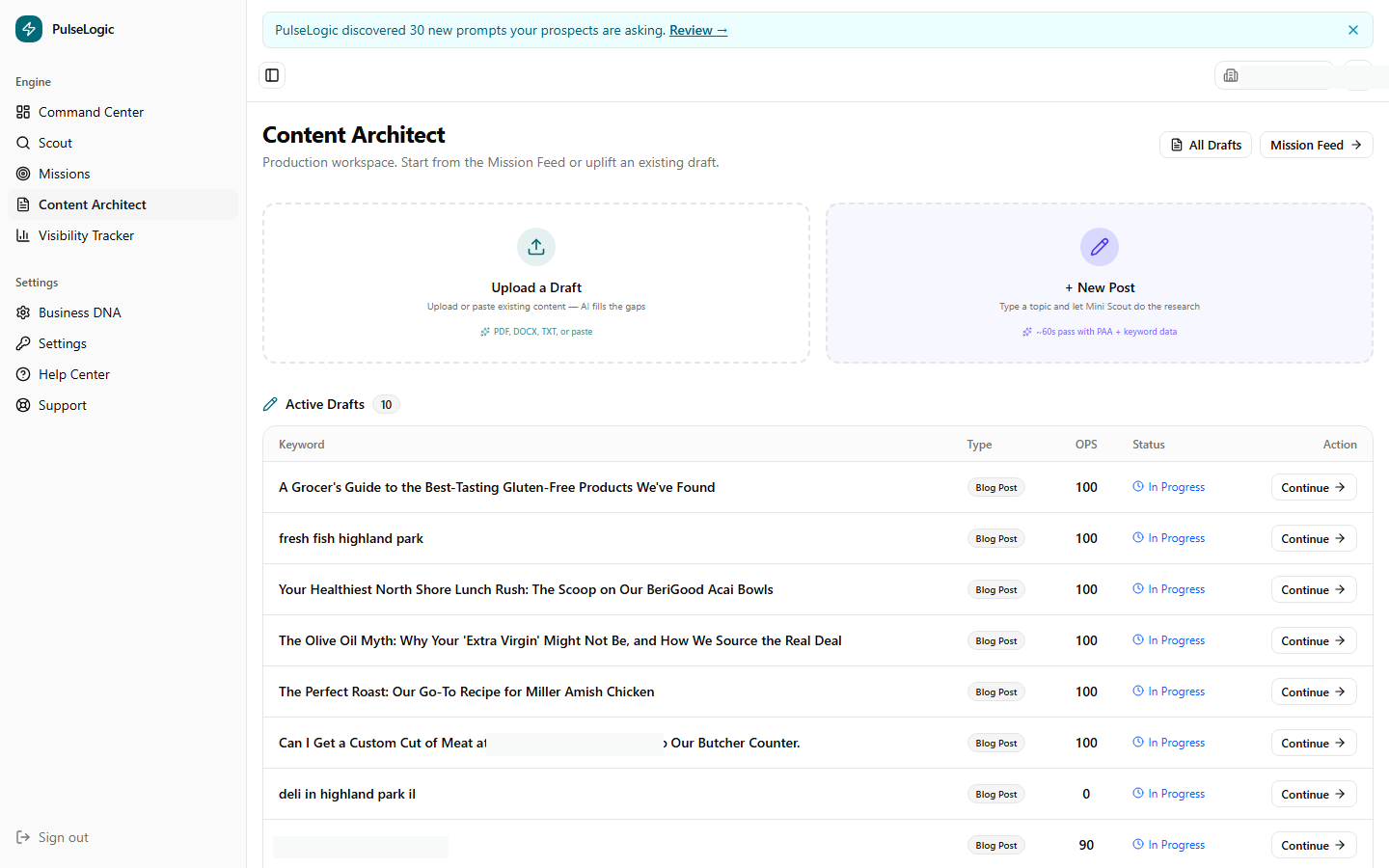
Outline first
Every strong post is a structure before it is prose. The Architect makes that the first step, not a thing you reverse-engineer afterward. You start with an outline, the headings and the order, and react to it while it is still cheap to change. Move a section. Cut one. Add the angle the draft was missing. Getting the bones right first is the single biggest lever on quality, because no amount of polishing fixes a post that is organized wrong. Once the outline holds, you draft into it, and the writing has somewhere to go.
Fixing a sentence is easy. Fixing a structure after you have written ten paragraphs into it is the part everyone dreads. Outline first, and the dread goes away.
Slash commands for everything else
As you write, you need to add things: a heading, an image, a table of contents, a two-column block, a button. In a clumsy editor that means hunting through menus and breaking your flow. In the Architect, a slash command brings up a menu right where your cursor is. Type the slash, pick the block, keep writing. That is the difference between a tool that interrupts you and one that keeps up with you. The blocks are real page elements, so a post becomes a properly built page without ever leaving the keyboard.
Rewrite a section, not the whole post
This is the one that changes how it feels to use AI for writing. When a paragraph or a section is not landing, you select it and ask for a rewrite of just that part. The rest of your post stays exactly as it is. Ask for it tighter, warmer, more direct, or with a different emphasis, and only the selected piece changes. No regenerating the whole article and hoping the good parts survive. That is what makes the AI feel like a writing partner instead of a slot machine: you fix the one thing that is wrong without gambling the things that are right.
Why this flow produces better work
- You stay in control of structure. The post is organized the way you decided, not the way a single generation happened to land.
- You iterate locally. Improving the piece means improving its weakest section, repeatedly, instead of rolling the dice on a full rewrite.
- You keep your momentum. Inserting elements and requesting changes happen inline, so you are never knocked out of the writing.
- You end with a real page. Because the blocks are page elements and the structure is intentional, the finished piece is ready to publish, not ready to be reassembled.
It all sits in one editor
None of these are separate tools. The outline pane, the slash menu, and the rewrite command all live in the same three-pane Content Architect, working on the same document, next to the quality enforcement that flags filler as you go and the schema layer that marks the piece up on the way out. The flow is the product: structure, draft, refine, publish, never copying text from one window to another.
Book a walkthrough and we will build a post the right way, outline first, with you driving.
See the writing flowCapabilities reflect PulseLogic as of June 2026.